Logo

Ecology & Environment Flask Template

Created: 15/01/2026

Thank you for purchasing my template. If you have any questions that are beyond the scope of this help file, please feel free to open a new ticket at our support forum

24/7 Support: Send Us a message from Our Profile
Template Installation

1. Download and Extract the Zip File:

Download the zip file containing all files integrated with Econest. Extract the contents of the zip file to your desired location.

2. Install Python and Flask:

Make sure to have Python and Flask installed on your computer. To install Flask, run the command below:

pip install Flask

3. Running the Flask Application:

To run the Flask application, execute the command:

python app.py

4. Editing Econest Template

To edit the template and add your own content, you will need a code editor such as VS Code, Sublime Text, etc.

Pages

Total 21 Pages

Fonts

Google free fonts:

Open the static/css/style.css file to find the font names in the typography section.

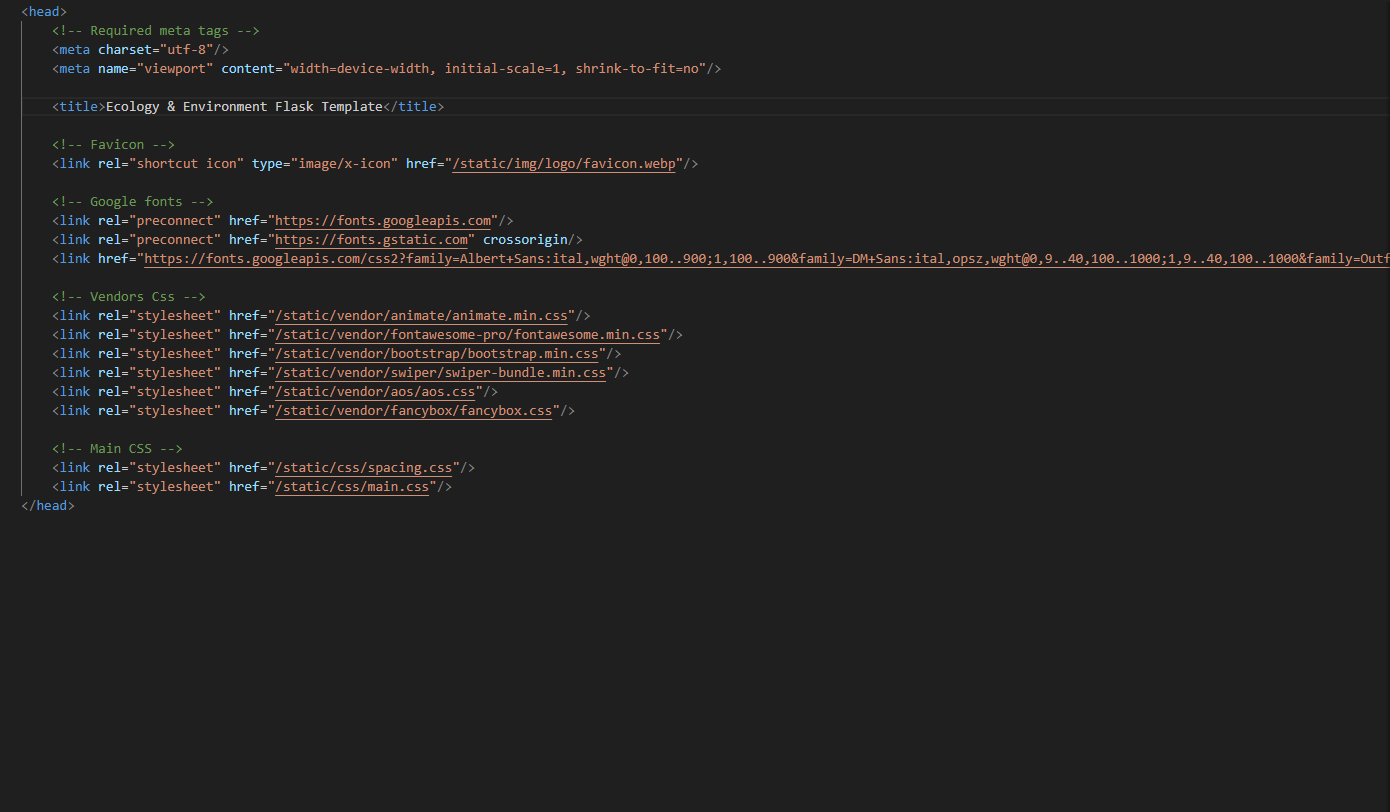
Source File (CSS)

<!-- Vendors Css -->
<link rel="stylesheet" href="/static/vendor/animate/animate.min.css">
<link rel="stylesheet" href="/static/vendor/fontawesome-pro/fontawesome.min.css">
<link rel="stylesheet" href="/static/vendor/bootstrap/bootstrap.min.css">
<link rel="stylesheet" href="/static/vendor/swiper/swiper-bundle.min.css">
<link rel="stylesheet" href="/static/vendor/aos/aos.css">
<link rel="stylesheet" href="/static/vendor/fancybox/fancybox.css">

<!-- Main CSS -->
<link rel="stylesheet" href="/static/css/spacing.css">
<link rel="stylesheet" href="/static/css/main.css">
CSS Source

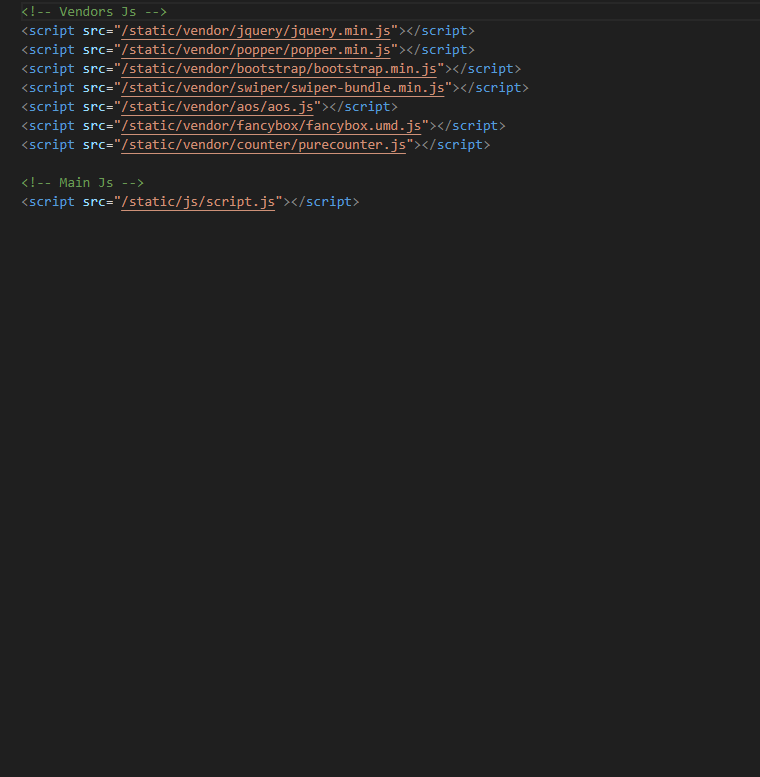
Source File (Js)

<!-- Vendors Js -->
<script src="/static/vendor/jquery/jquery.min.js"</script>
<script src="/static/vendor/popper/popper.min.js"</script>
<script src="/static/vendor/bootstrap/bootstrap.min.js"</script>
<script src="/static/vendor/swiper/swiper-bundle.min.js"</script>
<script src="/static/vendor/aos/aos.js"</script>
<script src="/static/vendor/fancybox/fancybox.umd.js"</script>
<script src="/static/vendor/counter/purecounter.js"</script>

<!-- Main Js -->
<script src="/static/js/script.js"></script>
JS Source

Customization

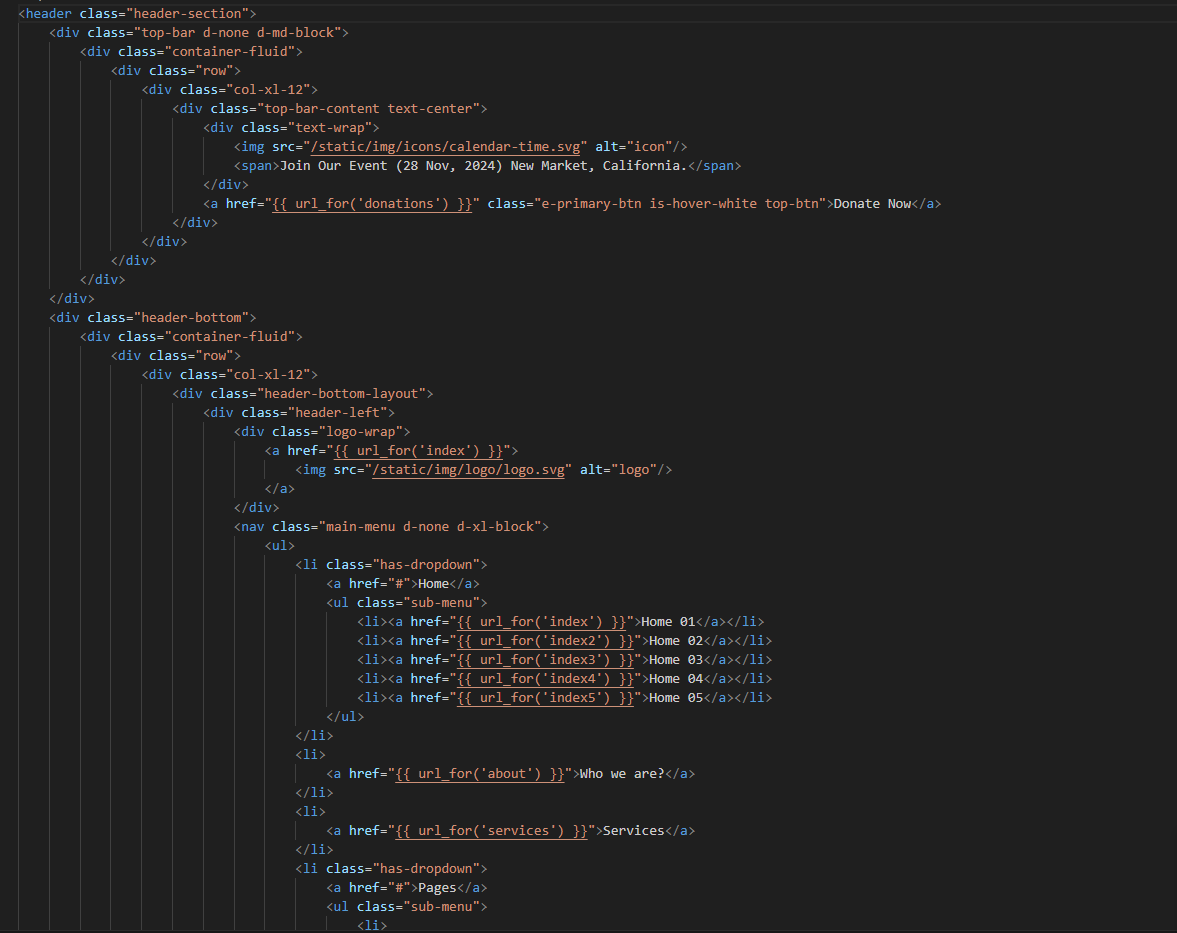
How to Change Logo

Open the static/img/logo folder and paste your logo. Then, go to the header section of your templates and update the image path.

Demo of How To Change Logo

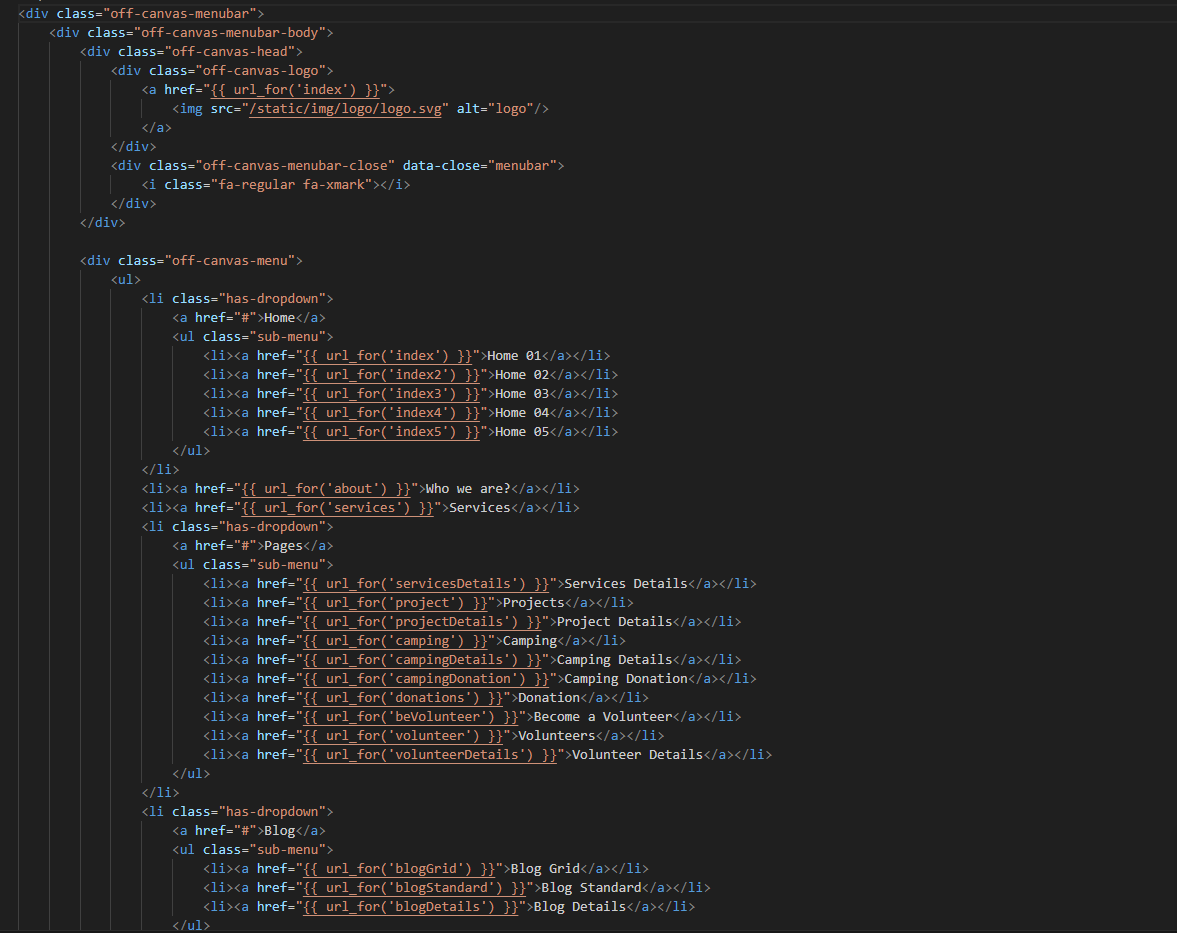
How to Change Menu Links

Demo of How To Change Menu Links

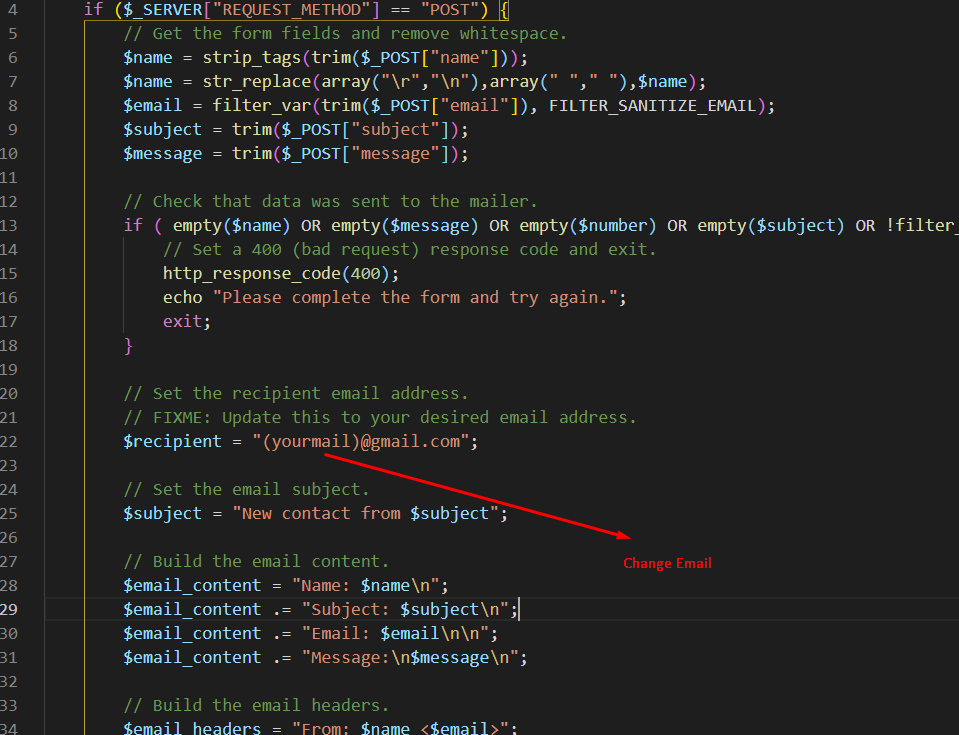
How to Change Email Address

Demo of How To Change Menu Links